
PitStudio and pytonIta
Programming in Italian. pytonIta is a real Python interpreter with Italian keywords; PitStudio is the development environment that goes with it, written in the same language.
No Python needed · no administrator rights · removed with one click. Windows may show a SmartScreen warning because the file is not signed yet: choose “More info” and then “Run anyway”. The program and its guide are in Italian.
On Linux
There is no ready-made installer for Linux: the installa.sh script builds the pytonIta interpreter (5 to 15 minutes) and installs PitStudio in your home folder. First you need the build tools, installed once with sudo. Here are the commands for Ubuntu and Debian.
sudo apt install build-essential git curl python3-tk tk-dev libssl-dev libffi-dev \
  zlib1g-dev libbz2-dev libsqlite3-dev liblzma-dev libreadline-dev uuid-dev
git clone https://github.com/LordZenzo/pytonIta
sh pytonIta/installatore/linux/installa.sh
On Fedora and Arch the commands differ: see the instructions on GitHub. PitStudio installs in ~/.local/pytonita and appears in the applications menu.
Python, in your own language
The parser recognizes se, per, definisci, ritorna, prova… directly. Files use the .pit extension and all of Python: libraries, classes, exceptions, types. It is not a translator: it is a recompiled CPython 3.13, with Italian error messages and about 150 libraries with Italian names.
A pytonIta example
classe Animale:
    definisci __inizializza__(se_stesso, nome):
        se_stesso.nome = nome
    definisci parla(se_stesso):
        ritorna f"{se_stesso.nome} fa miao"

per i in intervallo_di(3):
    se i == 1:
        continua
    stampa(i, Animale("Micio").parla())
Everything in one environment
The window designer
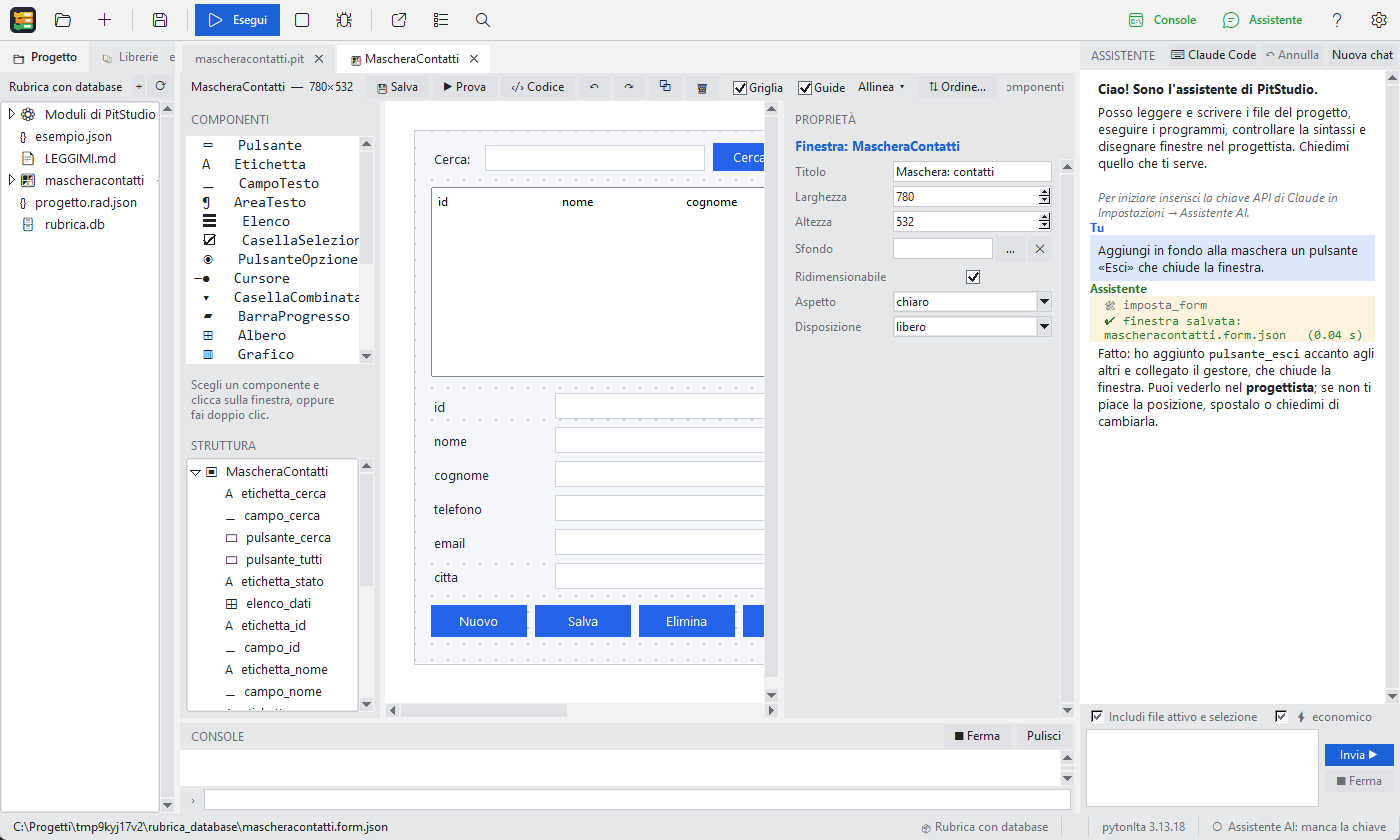
Draw the interface by dragging components: PitStudio generates the code without touching your logic. A modern look in one click.
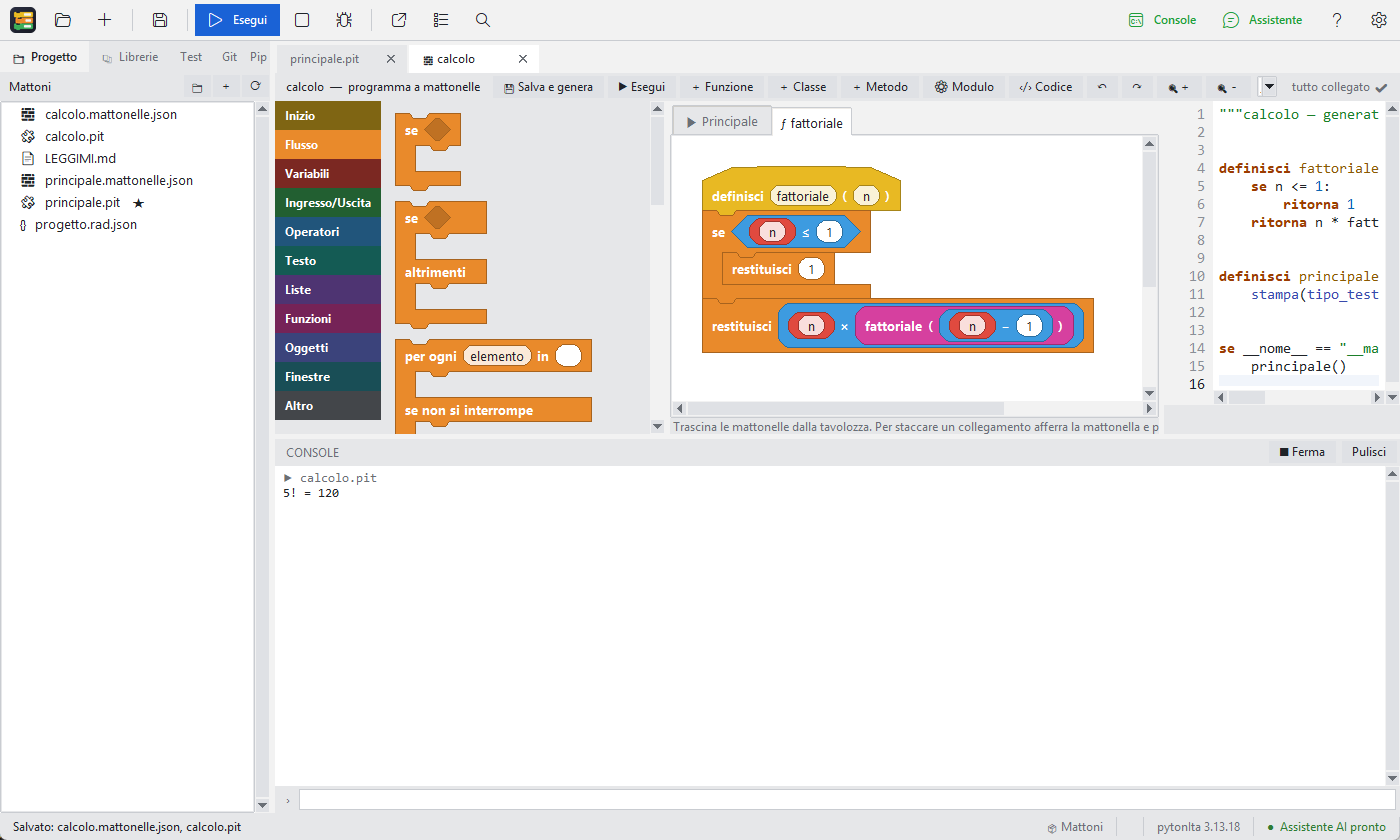
Block programming
Scratch-style, but for real programs. Conversion from code to blocks and back.
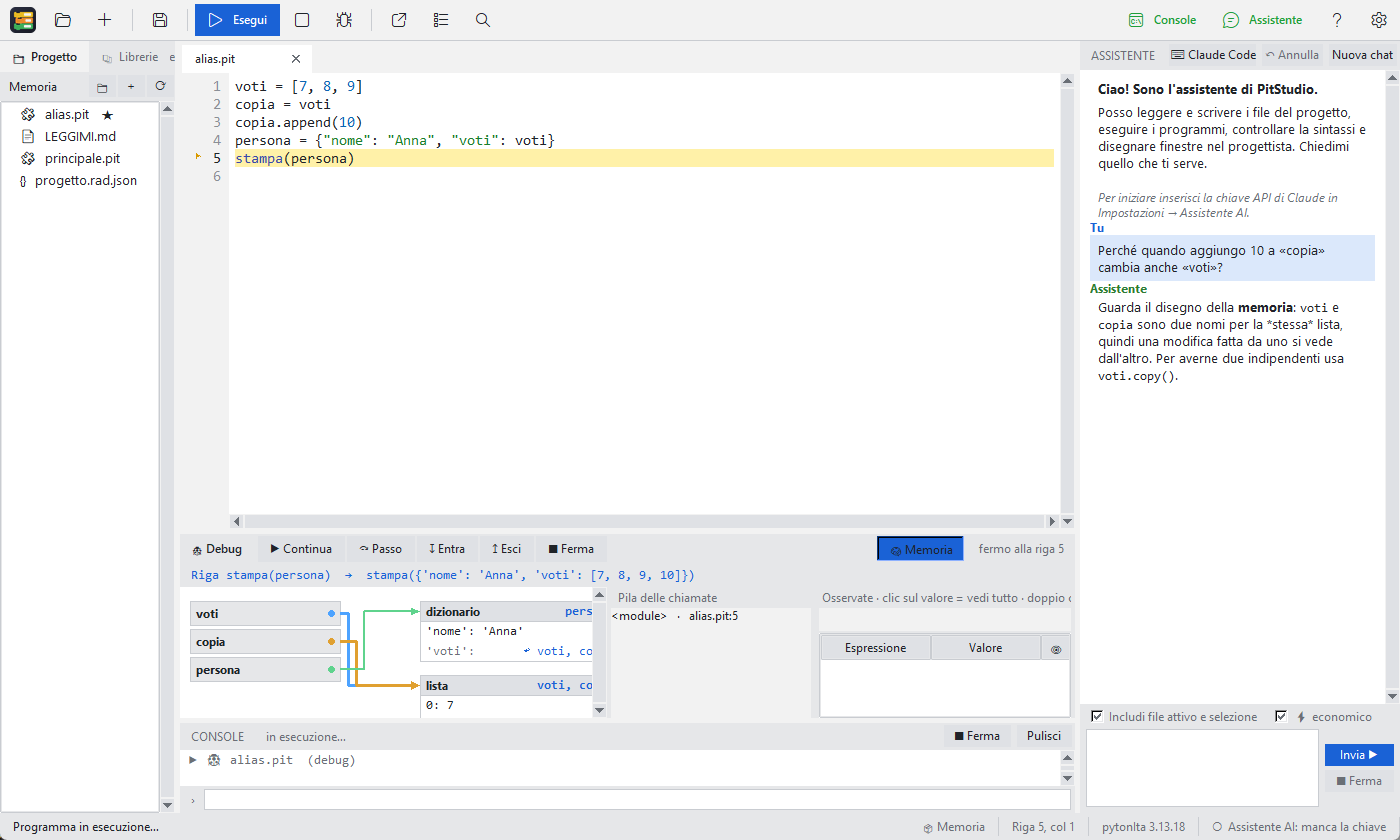
A debugger that explains
See memory drawn line after line, with conditional breakpoints.
Databases and forms
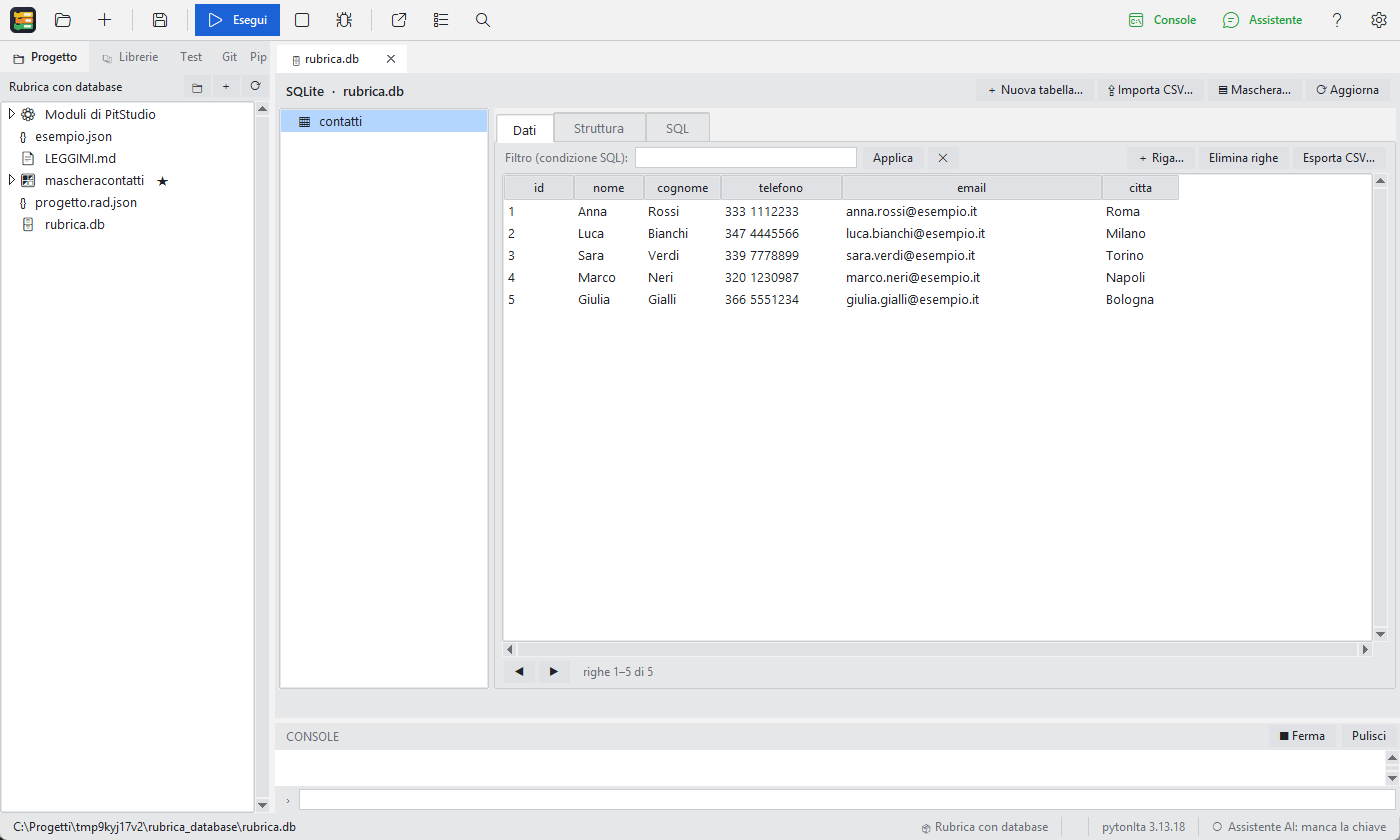
A manager for SQLite, MySQL and PostgreSQL: from tables to the windows that edit them.
AI assistant and lessons
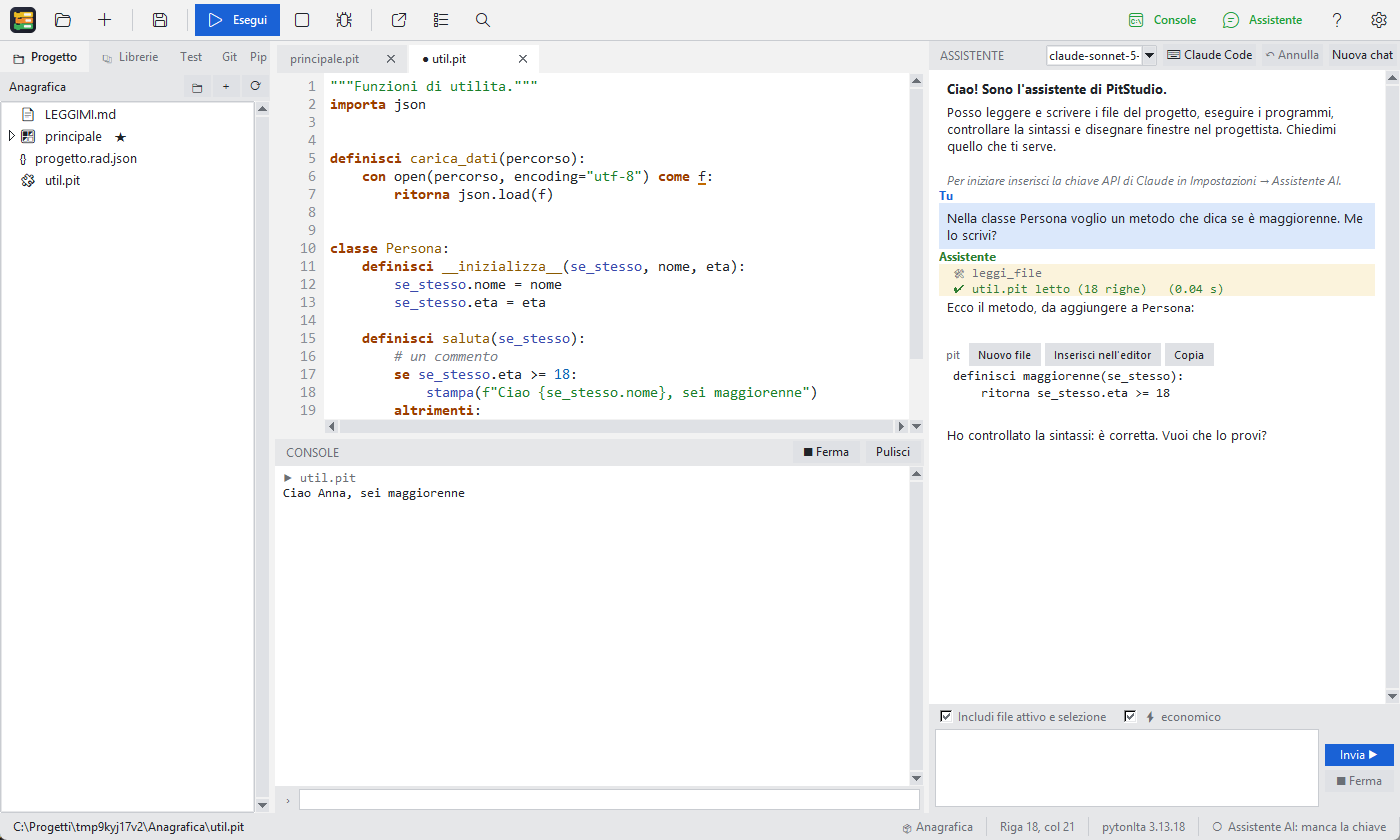
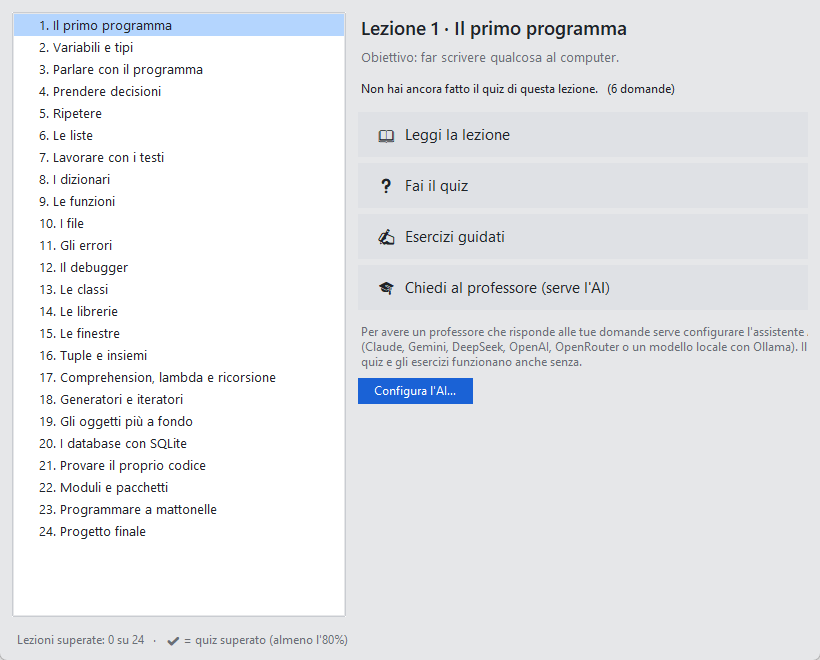
Twenty-four lessons with quizzes and exercises, and an assistant that designs, writes and tests the program with you.
Multimedia
Italian libraries for ffmpeg and VLC: converters, players and editing tools.
From code to executable
Export to classic Python with the list of libraries and build the .exe.
One single file
One installer: no Python to install, no administrator.
Always verified
Over 120 automatic tests on every version.
What it looks like
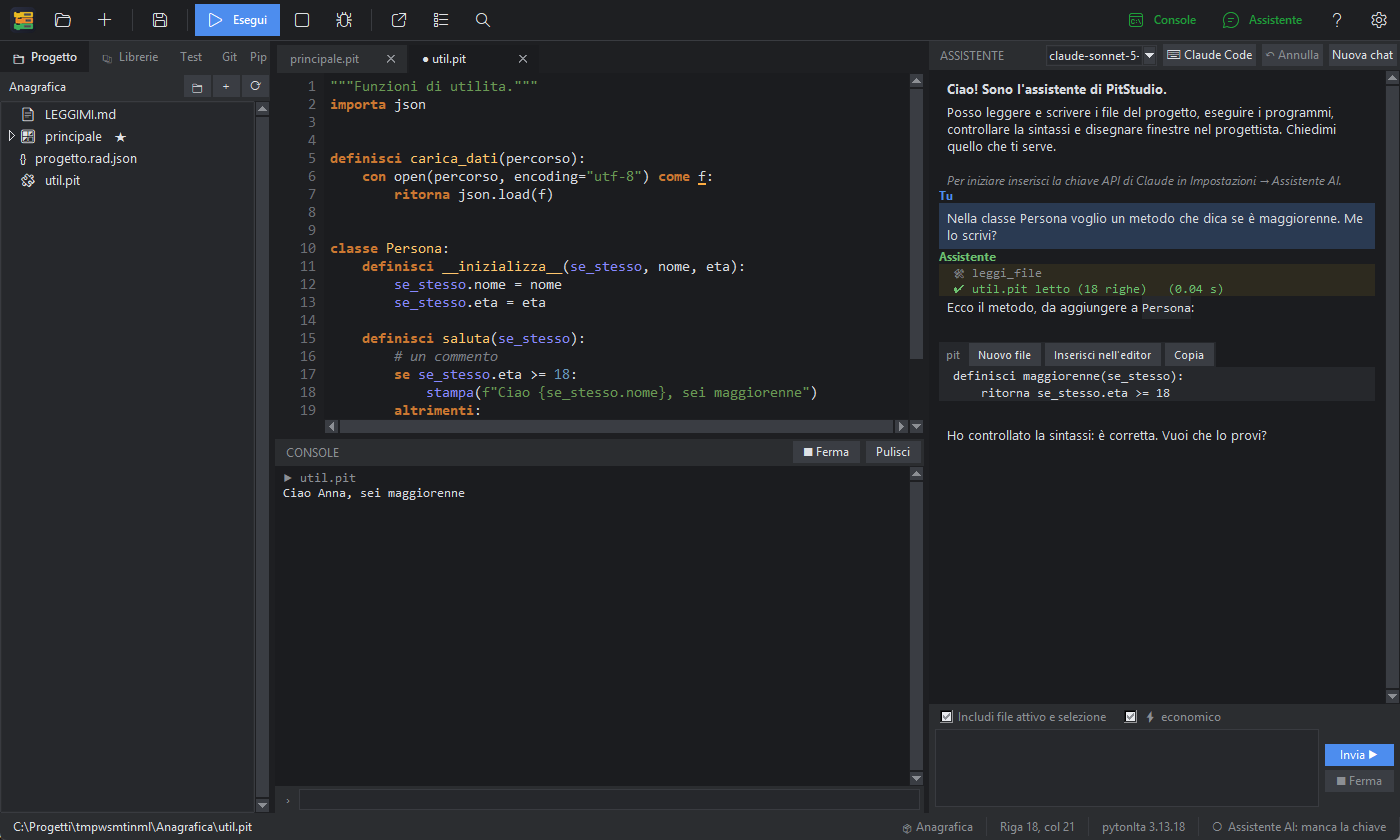
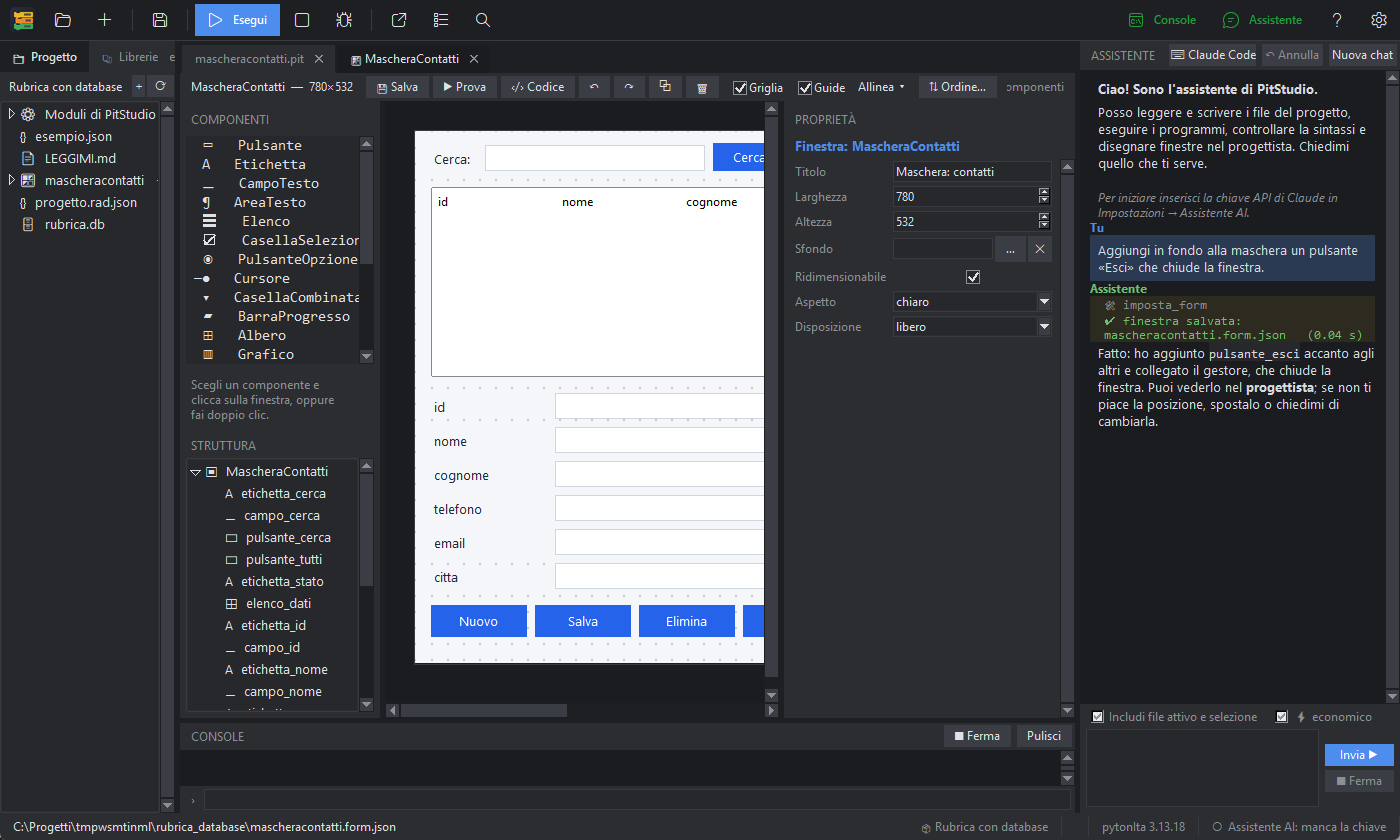
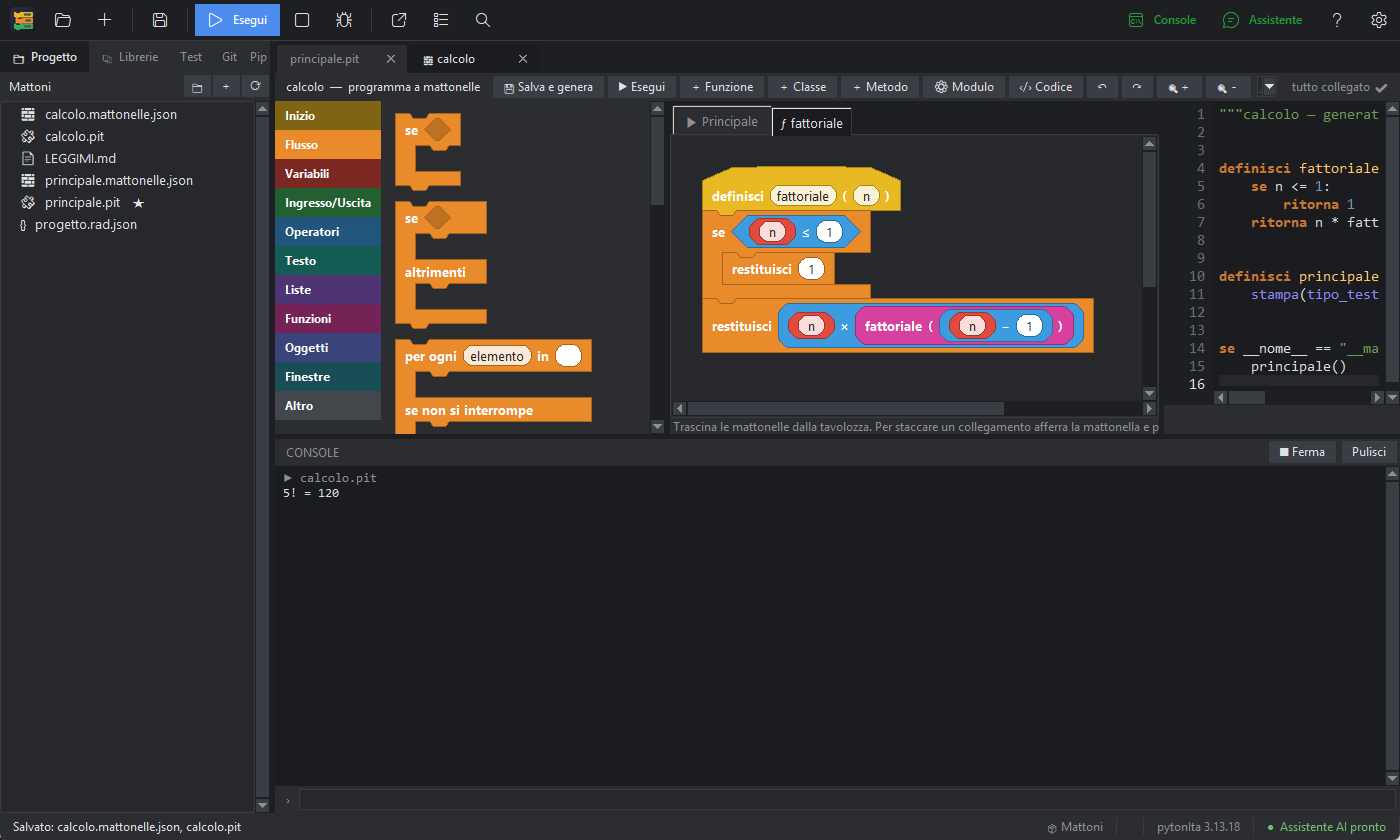
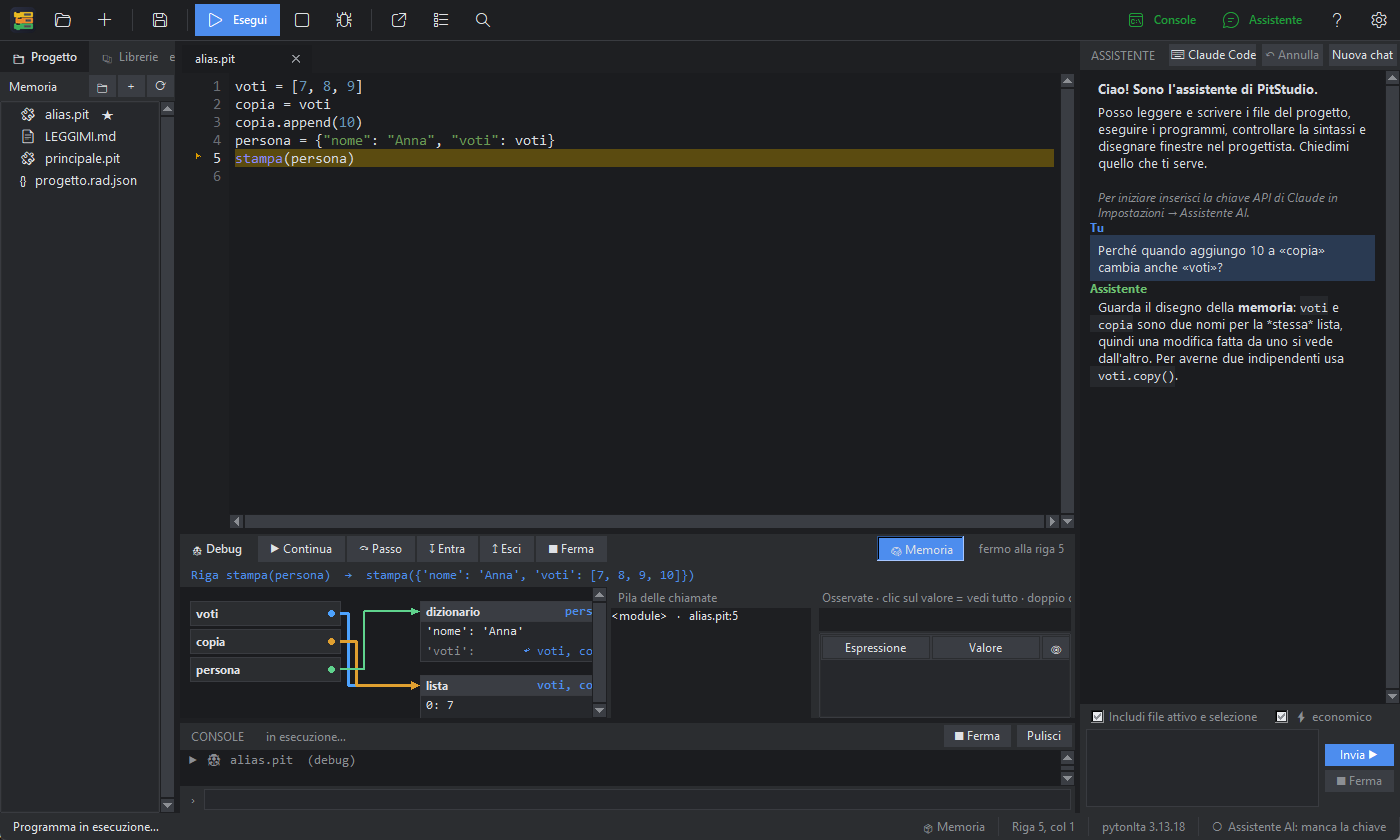
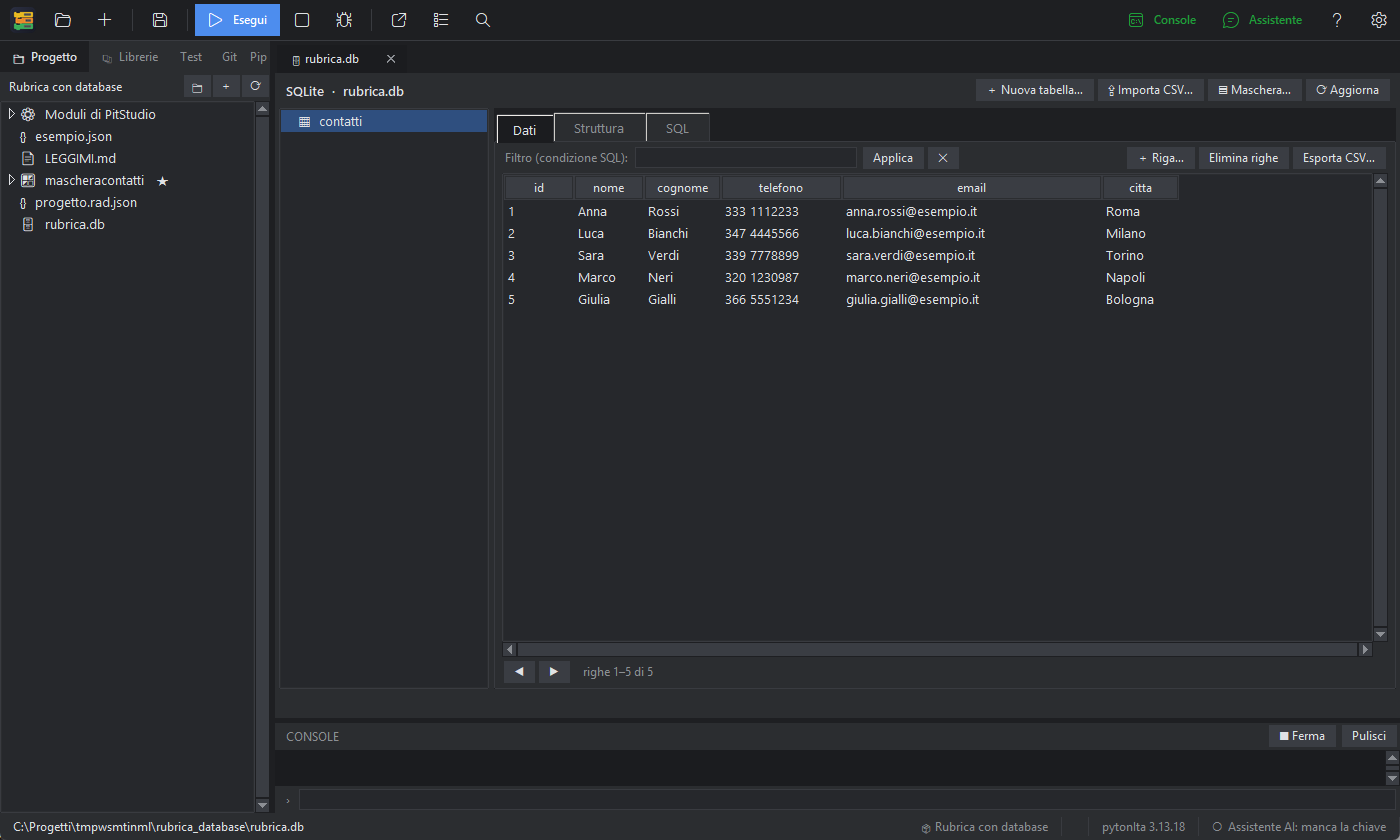
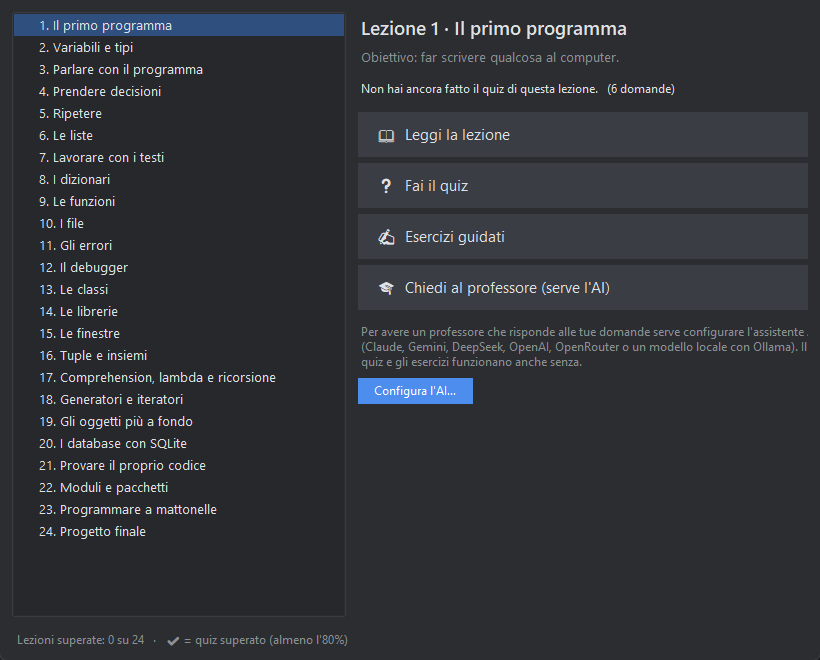
Every screenshot has a light and a dark version, like this site.
Questions, ideas, problems: GitHub Discussions or write to pytonita.progetto@gmail.com.